
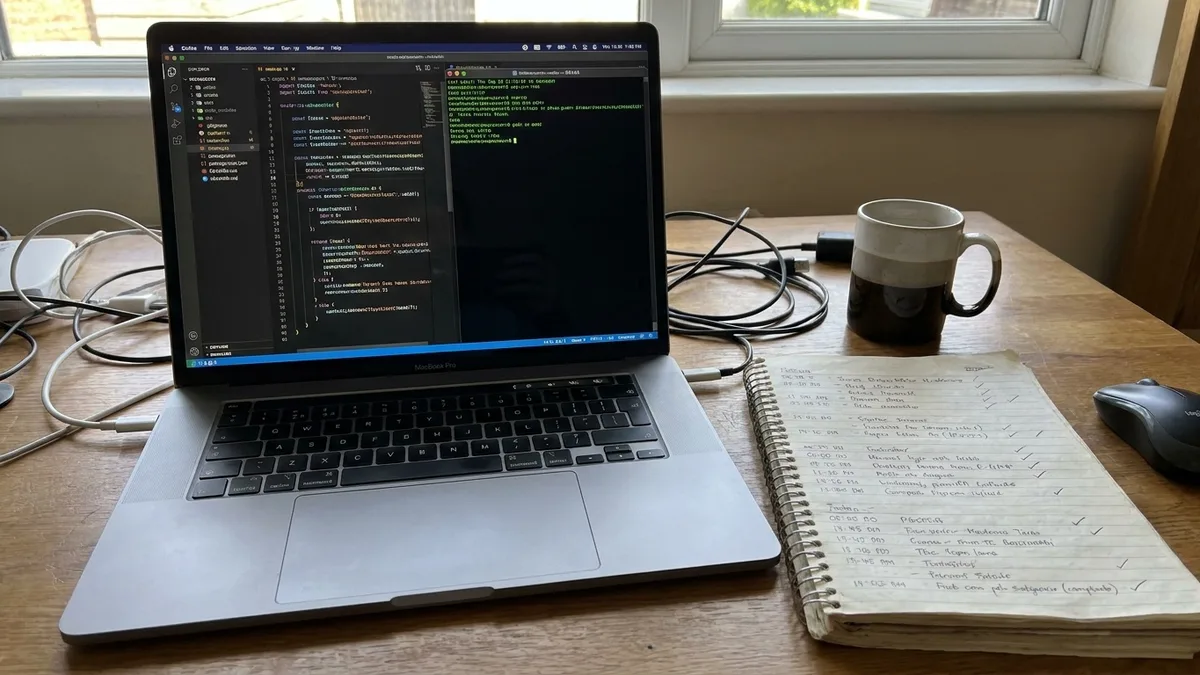
The old way: I would finish a fix, click through three screens, tell myself it looked fine, and hand it over. Then a reviewer would find the one path I never opened, and I would reopen the branch the next morning.
Over three weeks I added five Claude Code skills to my Next.js repo, one at a time, and timed each against the same job done by hand.
The number that matters is never one 'with AI' figure. It is minutes by hand, the skill's own run, and minutes I spend reviewing.
You will get the install order that fits a working day, the setup each skill demands, and the specific way each one goes wrong.
By the end you can run the first one on your next change before you hand it over, today, with nothing to set up.
| Skill | Where it comes from | Setup | By hand | Skill's run | My review |
|---|---|---|---|---|---|
| /verify | Bundled with Claude Code | None | 12 min | 2 min | 4 min |
| superpowers | Anthropic's official marketplace | Install pack, answer questions | 30 min | 3 min | 15 min |
| webapp-testing | anthropics/skills | Install Playwright | 25 min | 4 min | 8 min |
| github-pr-review | Community skill | Install and authenticate gh CLI | 45 min | 1 min | 20 min |
| react-best-practices | Vercel Engineering repo | Add skill to skills folder | 40 min | 2 min | 15 min |
1. The /verify skill that checks your work

Before I hand over a fix, I want to know it starts. That is the tedious part: Claude Code edits a file, I switch to the browser, log in, click the same five screens, and pretend that counts as proof.
On a one-line bug fix last month, that clicking took 12 minutes.
The check was already on my machine. /verify ships with Claude Code, so there was no marketplace trip and nothing to add to the repo on v2.1.283.
It costs time and tokens only when I type the command. Every other day it sits quietly in the slash menu, and I lose nothing.
It works out how to launch the project by reading the README, package.json or Makefile. My Next.js app started with no start command from me. A throwaway Python script in another folder started the same way, which surprised me more than the Next.js case did.
On that bug fix: 12 minutes of my own clicking, 2 minutes for the /verify run, then 4 minutes reading what it reported. Six minutes against 12, and the reading half is where I caught that my fix had closed the wrong form path.
The catch is that a docs-only change gets nothing from it. There is no server to boot, so it spends tokens and hands back no proof.
Keep it for fixes about to leave your machine unopened. Your next change can run it today, with nothing to set up.
💡 Tip: Keep the /verify run for changes that touch behavior. A README edit does not need a browser, and the tokens are real.
⚠️ COMMON MISTAKE
Do not paste real customer data
Point any browser-testing skill at local seed data only. Never run it against production or real customer records, and keep credentials out of the prompt. The skill writes a script that logs in; that script now holds whatever you gave it.
2. The superpowers pack that plans before coding

A small feature came out planned: 3 minutes to generate, 15 minutes for me to review and cut, and the plan was a checklist instead of a paragraph.
That is 18 minutes against the 30 I used to lose planning by hand. I installed superpowers from Anthropic's official marketplace as a pack, not one skill. Brainstorming, writing-plans and executing-plans fire on their own, one stage after another.
Here is the catch before you install it. The pack's README calls its workflows mandatory, not suggestions.
Expect Claude to ask questions and write tests before it writes the feature. Expect to sit there answering them. A telemetry ping is optional and turns off with SUPERPOWERS_DISABLE_TELEMETRY.
The planning skill cuts an approved design into tasks of 2 to 5 minutes, each with exact file paths and verification steps I can tick off. The catch lives there.
On a one-line fix the questions cost more than the plan saves. Reach for this before a feature that touches more than one file, and not before anything smaller.
💡 Tip: If the plan comes back with a task bigger than 5 minutes, send it back. That is the sign the design was not broken down far enough.
3. The webapp-testing skill for real browser tests

Point webapp-testing at production or real customer records and you are testing against other people's data. Use local seed data only, and keep credentials out of the prompt. Also read the script, not just the failures. A wrong assertion passes green and tells you nothing.
The skill comes from anthropics/skills and needs Playwright installed. Given that, the safe way to run the signup-form regression is one typed ask. Tell Claude what to open and what must be true, and let it write the browser test itself.
For the desktop chores outside the browser, letting Claude handle busywork shows what it can safely touch and how to keep control.
Prompt to copy
Write a Playwright Python test for my local Next.js app's signup form. Start the dev server with with_server.py, open the signup page, fill in a test email and password from local seed data, submit, and assert the confirmation message appears. Run it against localhost only, no production URLs. Print the script and the pass or fail result.
Claude writes the script and with_server.py starts the dev server, runs the test and stops it, so it is one command instead of two terminals.
That run took 4 minutes, review took 8, against 25 minutes clicking by hand. The next run of the same script costs only the 4.
💡 Tip: Read the generated assertions before you trust a pass. One wrong selector that finds nothing can make a failing form look green.
Where the install order goes wrong
4. The github-pr-review skill for batched comments

A test proves the code works before it goes in. What happens once the pull request is open is a second job, and on a six-file diff it took me 45 minutes by hand.
The github-pr-review skill drafts that first pass, but only after you install and log in to the gh command-line tool. Skip that step and it cannot reach the pull request at all.
It shows each comment with its file path and line number, then holds until I approve. Nothing posts while I read.
Then it files one pending review with everything batched, so the author gets one notification instead of six.
The draft took 1 minute; I spent 20 of the 37 minutes deleting findings that were not worth saying.
💡 Tip: Delete the comments that do not matter before you approve. The skill has no taste about which findings are worth saying out loud.
📝 How the batched review posts
Check gh
Run "gh auth status". If it reports no login, run "gh auth login" first. The skill errors out before drafting anything.
Draft
One pass over the diff, about 1 minute on six files. You get the full comment list, not one comment at a time.
Read
This is the 20-minute step. In my run the drafting was cheap and cutting was not: most comments went out with the draft.
Approve
Approval is explicit per comment group, and nothing posts until you give it. A comment edited here is reworded, not re-drafted.
Post
Posting takes under a minute. If the pull request author has notifications muted, they still see one review, so mention it before posting.
5. Vercel's react-best-practices skill for perf passes

Forty minutes is what I spent reading a 400-line React component for performance mistakes by hand. Vercel Engineering's react-best-practices skill gives Claude 40-plus rules in 8 categories, ranked by impact, so it audits against a checklist instead of an opinion.
The pass took 2 minutes; triaging 15 findings for the ones worth changing took 15 more.
It flags rules, not bugs, so much of the list is noise in my code. The top items still earn the read, even when I stop after the fifth.
Keep it to React and Next.js files; elsewhere there are no rules to apply. It catches what a reviewer flags out of habit, before they get the chance.
The two times: 40 minutes by hand against 2 minutes of pass plus 15 of triage.
💡 PRO TIP
Add the next skill only when its task shows up
Install five skills on day one and you will not know which one changed the result. I added mine one at a time over three weeks, and each one had to earn its place on a real task before the next went in.
Frequently Asked Questions
Do I need to know how to code to use these skills?
Yes, for this list. These are developer tools: they work inside a code repo, and github-pr-review needs the gh CLI installed and authenticated. A non-programmer can install them, but cannot judge whether the output is right.
Which of the five should I install first?
Start with /verify, because it is already bundled and needs no install. Then add superpowers from Anthropic's official marketplace before your next multi-file feature. Hold the other three until the task each one fits actually shows up.
Do skills I add in Claude settings load in Claude Code?
They do when Claude Code is signed in with the same Claude account. They do not sync when Claude Code is signed in with an API key or runs on a cloud provider such as Amazon Bedrock. The sync needs Claude Code v2.1.273 or later.
Do I have to restart Claude Code after adding a skill?
Not since Claude Code 2.1.0, which added hot reload for skills. A new or updated skill in ~/.claude/skills or .claude/skills becomes available immediately. Skills in the slash command menu appear by default, and you can opt out with user-invocable: false in the frontmatter.
What does a skill run actually cost?
It depends on the skill and the size of your repo, and the rates on your plan set the number. /verify and superpowers spend tokens only when you invoke them, which is why the timing has a review column beside every run. Check your plan's usage page rather than trusting a total from someone else's project.
Can I turn off skills I no longer want?
Yes. To turn off bundled skills use the disableBundledSkills setting. To hide /doctor, set the DISABLE_DOCTOR_COMMAND environment variable or a skillOverrides entry of "doctor": "off".
Run /verify on the next change, then add the rest by task
The install order is the verdict. Run /verify today, because it is already in your repo and costs nothing to set up. Add superpowers before the next feature that touches more than one file.
Once you have that habit in place, more Claude tricks for power users can help cut repeat work with custom instructions and projects.
Hold webapp-testing, github-pr-review and react-best-practices until the task each one fits shows up. Then time it the way I did: by hand, the skill's run, and your review.
The single first move is small. Run /verify on the next change before you hand it over, and see whether the app actually starts.