
By the end of this article you will have 18 ready-to-paste prompts that work in ChatGPT, Claude, Gemini, Microsoft Copilot, and Perplexity on their free tiers — no prompt engineering required.
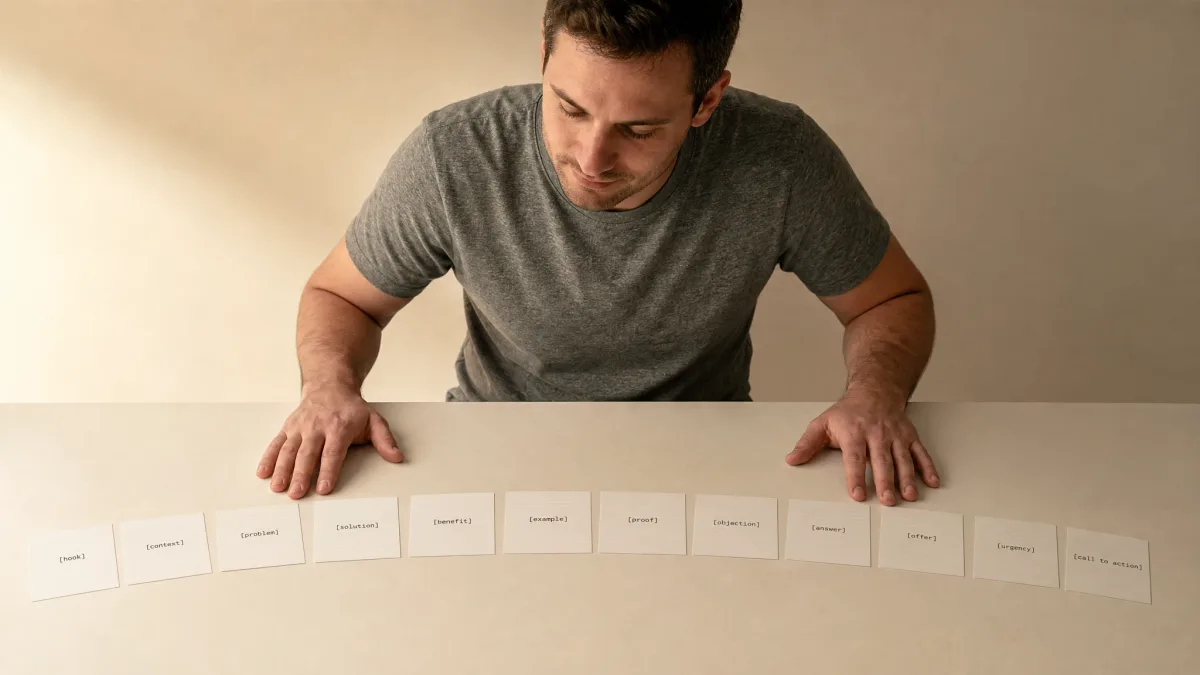
Each prompt has bracketed slots you fill in once before hitting send. The bracket-fill structure is why the output is usable on the first try instead of the third.
All five tools have free tiers with usage limits that change; check each tool's current pricing page before you start. The prompts themselves cost nothing to run.
Before You Paste Anything
1. The Email Thread Summary Prompt
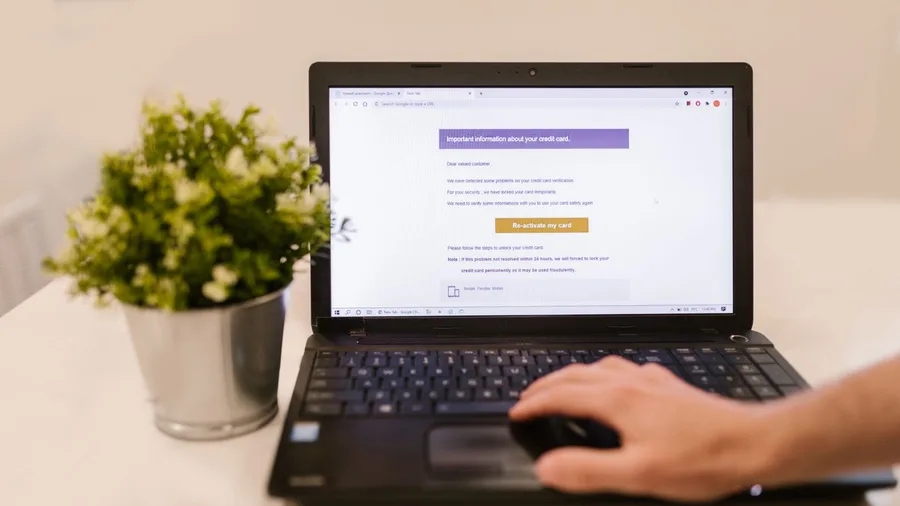
A long email chain buries the actual decision somewhere in the middle, and reading top to bottom to find it can take longer than the meeting that generated it.
Before pasting anything, strip personal details: replace "Sarah Chen, CFO" with "the CFO" and remove any figure marked sensitive. The AI has no need of real names to summarize.
Paste the cleaned thread below this prompt and any of the five tools will return three bullets plus a named action-item list in well under a minute.
Prompt to copy
Summarize the following email thread in 3 bullet points. List any action items at the end and note who owns each one. [Paste email thread here]
💡 Tip: Paste the thread into Claude if it is very long — Claude handles large amounts of pasted text reliably on its free tier.
2. The Difficult Reply Prompt
A firm, professional reply lands in under a minute – roughly 10 to 30 seconds for the AI to draft it across all five tools on their free tiers.
That same reply, written by hand, typically costs 15 to 20 minutes of staring at a screen choosing words that are direct without reading as hostile.
The catch is in one bracket. Leave "My position" blank or type something vague like "I disagree" and the output becomes soft and non-committal – exactly the kind of reply that gets ignored.
Write one or two sentences stating precisely what outcome the reader wants, and the AI structures the rest around it.
Prompt to copy
Write a professional, polite reply to this email. Keep it under 150 words. Acknowledge their concern, state my position clearly, and end with a specific next step. My position: [what you want to say in one or two sentences]. The email: [paste email here]
Time side by side: By hand: 15 to 20 minutes. AI draft: under 30 seconds. Review and edit: 2 to 3 minutes to confirm the position is stated correctly and the next step is real.
💡 Tip: If the reply still sounds too soft after the first run, add 'Do not hedge or suggest compromise' to the end of the prompt.
3. The Bullet Notes to Document Prompt
The catch with this prompt is real: when notes are thin, AI fills gaps with plausible-sounding details that were never in the original. Check every line of the output against the source bullets before sending anything.
The format slot is worth one second of thought before pasting. "Report," "memo," and "proposal" produce structurally different documents – picking the wrong one means reformatting from scratch, which is the job the prompt was supposed to avoid.
Prompt to copy
Turn these bullet-point notes into a clear, well-structured [report / memo / proposal – choose one]. Use headings, write in plain English, and keep the total under [word count]. Notes: [paste notes here]
Name the format, set the word limit, paste real notes – those three inputs do the directing. The AI writes a shareable document in under a minute; the one-pass accuracy check against the originals takes two to three minutes and is not optional.
4. The Plain-English Document Explainer Prompt

Thirty seconds is about how long it takes a chat assistant to read a dense document excerpt and return a plain-English breakdown. The review – checking every flagged clause against the source – takes the reader 10 to 15 minutes.
Before pasting anything, strip it. Signed contracts, medical records, financial statements, and files with client data must not go into ChatGPT, Claude, Gemini, Copilot, or Perplexity – all five are general-purpose tools. Remove names, account numbers, and any sensitive detail first.
On free and personal plans, your chat content may be used to train the model unless you turn that off in the tool's privacy settings. Check that setting before pasting any document excerpt.
Prompt to copy
Read the following document and explain it in plain English as if talking to someone with no background in this field. List any terms or clauses I should pay special attention to or get professional advice about. Document: [paste text here – remove any names, account numbers, or sensitive personal details before pasting]
The output lands in one pass: a plain-English summary plus a flagged list. That flagged list is a reading aid, not legal or medical advice – anything on it still needs a qualified professional to confirm.
💡 Tip: Use Microsoft Copilot if your document lives in Microsoft 365 — it can read the file without you pasting anything, keeping data inside your organization's environment.
5. The Meeting Agenda Prompt

Prompt to copy
Create a meeting agenda for a [length]-minute meeting about [topic]. Include: a 2-minute opening, [number] discussion items with time allocations, one decision point, and clear next steps. Attendees: [names or job titles]" – paste that into any of the five tools and a formatted agenda returns in about 30 seconds.
By hand, the same agenda – topic, timed items, decision point, owner names – takes 15 to 20 minutes of formatting.
The fixed structure in the prompt is why the output is usable immediately: the AI cannot produce a formless list when opening, times, and next steps are specified.
One check before sending: AI fills in discussion items even when the topic description is vague. Read each item against what the meeting actually needs to decide.
Using job titles instead of names in the attendees slot produces more appropriate agenda language without sharing personal details.
⚠️ COMMON MISTAKE
Vague Brackets Kill the First Try
Every bracket in every prompt below is a required field. Leaving one blank or filling it with a placeholder like 'something about work' forces the AI to guess, and it guesses confidently and wrongly. Fill the brackets before you paste.
6. The Performance Self-Review Prompt

Writing a self-review means turning a year of daily work into impact language – and most people find that translation harder than the work itself.
The catch is in the achievements bracket. Vague entries like 'improved team communication' or 'worked on several projects' produce polished paragraphs a manager reads as filler.
Specific inputs – 12 meetings facilitated, a 15% reduction in processing time, $40,000 in contracts touched – produce a draft worth submitting. The prompt structure is correct; the specificity of what goes into the bracket is the variable.
Prompt to copy
Help me write a self-review for my annual performance evaluation. I am a [job title]. This year I [list 3 to 5 specific things you did or achieved, with numbers where possible]. Write 3 to 4 short paragraphs covering achievements, impact, and one area for growth. Tone: confident but not boastful, suitable for a workplace review.
The three-paragraph shape – achievements, impact, growth area – arrives in under a minute. That structure is what makes the draft submittable rather than a starting point for a full rewrite.
7. The LinkedIn Post Prompt
Polished self-presentation doesn't stop at the performance review – LinkedIn posts face the same trap. AI drafts them with the same recognizable skeleton: the triumphant pivot, the three-lesson list, the 'What do you think?' closer. Experienced readers spot it in two seconds.
Paste this into ChatGPT, Claude, or any of the five tools:
Prompt to copy
Write a LinkedIn post about [topic or recent achievement]. Keep it under 150 words. Open with a one-sentence hook, share one concrete insight or short story, and close with a question to invite comments. Tone: professional but human, no jargon or buzzwords.
The structure arrives reliably on the first try. The voice does not. Rewrite the opening sentence in your own words and add one detail only you would know – a dollar figure, a place, a name – before posting.
8. The Tone Rewrite Prompt
Getting the tone right on a written message is slow work. Too sharp and it damages a relationship. Too stiff and it reads as cold. Rewriting from scratch to fix that can eat 20 minutes on a 50-word email.
Paste the text into ChatGPT, Claude, or any of the other four tools and use this prompt.
Prompt to copy
Rewrite the following text in a [formal / friendly / assertive / calm – choose one] tone without changing the meaning. Keep roughly the same length. Text: [paste text here]
The output arrives in seconds. Read it against the original line by line before sending – a firm statement can quietly become a suggestion, and a fact can soften into an opinion. The tone label directs the rewrite; the comparison is still the reader's job.
Prompt Speed — What to Expect
⚡ AI draft time
10–60 seconds
👁️ Your review time
2–10 minutes
📄 Output length
~700 words per page
🔍 Deep-research mode
Several minutes to ~30 min
🆓 Cost on free tier
$0 — limits vary by tool
The slow part
Reviewing and editing the AI output always takes longer than the AI took to write it.
9. The Post-Meeting Follow-Up Prompt

A follow-up email written hours after a meeting is where tone and accuracy both matter – and where memory starts to fail on exactly who owns what.
The biggest risk here is the decisions bracket. Leave it vague and the AI fills it with plausible-sounding next steps that have nothing to do with what was actually agreed. Recipients will act on them. Fill in the real outcomes before you paste.
Prompt to copy
Write a follow-up email after a meeting. Meeting topic: [topic]. Key decisions made: [list them]. My action item: [what I need to do and by when]. Recipient: [name and role]. Keep it under 120 words and end with one clear next step.
The AI structures whatever you give it. Accuracy is the one thing it cannot supply – this prompt organizes real decisions, it does not invent them.
10. The Complaint or Request Letter Prompt
A firm, well-structured complaint letter gets a result in under 30 seconds of AI time.
The draft comes back with the facts stated, the remedy named, and a deadline set – the three things that separate a letter someone acts on from one that sits in a queue.
What kills most complaint letters is vagueness. AI left to its own defaults toward polite softness – a draft that implies consequences rather than states them, which signals to the recipient that nothing will actually happen.
Check that the output names both a deadline and what follows if it is missed.
Paste this into ChatGPT, Claude, Gemini, Copilot, or Perplexity:
Prompt to copy
Write a firm but polite letter to [company or person] requesting [what you want]. The situation: [brief description of what happened]. State the facts, say exactly what I want done, and give a reasonable deadline of [X days]. Keep it under 200 words.
The 'what you want' bracket decides the letter's outcome. 'A full refund of $147' produces a letter that can be sent. 'Some kind of resolution' produces a paragraph of hedged language that will be filed and forgotten.
Reviewing the output takes about two minutes – confirm the deadline and consequence are both explicit before sending.
💡 Tip: If the letter is about a significant financial or legal matter, have a professional review the final version — AI cannot verify the law in your jurisdiction.
11. The Wall-of-Text Bullet Prompt
– and it takes under a minute. A six-page policy update that takes 20 minutes to read becomes a scannable set of headed bullets in about 30 seconds across any of the five tools' free tiers.
Dense supplier terms or a long internal brief resist being shared in a meeting or pasted into a message. This prompt fixes that directly. Paste it into whichever tool is open:
Prompt to copy
Turn the following text into a clean, scannable bullet-point list. Group related points under short bold headings. Remove repetition but keep every distinct point. Text: [paste text here]
The catch: AI compresses aggressively and can drop a required step or a condition buried in the original.
If the source is a policy or instruction document, run one pass against the original to confirm every distinct requirement appears in the output.
That check takes two or three minutes – not optional, but fast.
12. The Weekly Meal Plan Prompt
The catch with AI meal plans comes at the store, not at the screen: suggested ingredients may be unavailable locally, and a recipe labeled 'under 30 minutes' may not be. Scan the plan before leaving the house.
Done by hand, coordinating seven days of meals, dietary needs, and a shopping list organized by store section takes 30 to 45 minutes. In ChatGPT or Gemini, the same output arrives in under a minute.
Prompt to copy
Create a 7-day meal plan for [number] people. Dietary notes: [list any restrictions or preferences]. Include breakfast, lunch, and dinner each day. Keep active cooking time under [X] minutes per meal. Generate one combined shopping list at the end, grouped by store section.
Two brackets do most of the work: the cooking-time limit and the grouped shopping list. Leave either blank and the output becomes aspirational rather than usable – pretty on screen, impractical in practice.
13. The Gift Ideas Prompt

Paste the prompt below into ChatGPT, Claude, Gemini, Microsoft Copilot, or Perplexity, fill in the two brackets, and a list of ten tailored gift ideas comes back in under 30 seconds – each one with a sentence explaining why it fits this specific person.
Prompt to copy
Suggest 10 gift ideas for [describe the person, e.g. 'my 45-year-old brother who likes hiking and cooking']. Budget: around $[amount]. Mix practical and fun options. For each idea, write one sentence explaining why it suits this specific person.
A vague opener like "someone who likes outdoor stuff" returns the same ten items found on any gift-guide listicle – a hydration pack, a Swiss Army knife, a candle.
A specific description – age, two or three real interests, one personality note – produces a list that actually differs from those.
The catch: AI may name a product that is discontinued or priced well above what it states. Treat every idea as a search term, not a confirmed purchase.
A 30-second check on the retailer's site confirms availability and price before the list becomes a real shopping run.
The person-description bracket does the work here. The more concrete it is, the fewer generic entries survive – and the more useful the list is on the first try.
💡 PRO TIP
Put the Person Description in One Specific Sentence
The more concrete the description bracket, the fewer generic entries appear on the list. 'My 45-year-old brother who hikes the Cascades and makes his own pasta' returns ten different ideas than 'someone who likes outdoors stuff.' Write the description before you open the tool.
14. The Gift Ideas Prompt

Most job applicants spend 30 to 45 minutes tailoring a cover letter – and that is when they do it at all. Under deadline, it gets skipped or copy-pasted with the company name swapped out.
Prompt to copy
Write a cover letter for the job described below. My relevant background: [2 to 3 sentences about your experience and skills]. Keep it to 3 short paragraphs: why I want this role, why I am a strong fit, and a confident closing sentence. Job posting or key requirements: [paste here]
The structure this prompt produces is reliable. The voice is not. Hiring managers recognize the three-paragraph layout, the mirrored-back job-description language, and the "I am excited to apply" opener.
One edit fixes it: rewrite the opening sentence in your own words and add one detail only you would know.
15. The Cover Letter Prompt

Five clean bullets and a single-sentence takeaway land in about 20 seconds – where reading a full report from top to bottom takes 15 to 25 minutes. The review pass takes another two to three minutes.
Prompt to copy
Summarize the following article or document in exactly 5 bullet points. Start each bullet with the most important word or phrase in bold. End with one sentence stating the single main takeaway. [Paste article or document here]
The catch: AI over-weights vivid examples and can miss the author's central argument. Skim the original conclusion before treating the summary as final. Time split: 20 seconds AI, 2 to 3 minutes to check – against 15 to 25 minutes by hand.
💡 Tip: Paste only the key requirements from the job posting, not the full posting — long inputs dilute the output quality.
📋 How a Bracket-Fill Prompt Works
Read the prompt
Scan the full prompt once to understand what each bracketed slot is asking for.
Fill the brackets
Replace every [placeholder] with your specific text before pasting — never leave one blank.
Paste and send
Drop the filled prompt into ChatGPT, Claude, Gemini, Copilot, or Perplexity and hit enter.
Read the output
Check the AI's response for invented facts, dropped details, and tone mismatches.
Edit and use
Make the one or two fixes the output needs, then send, share, or save the result.
16. The Article or Document Summary Prompt

When there is no existing material to work from and the page is blank, the problem is rarely a shortage of ideas – it is the absence of a starting trigger. AI gives you that trigger in under a minute.
The catch arrives early: the first five ideas on any AI brainstorm list are the obvious ones you already considered and set aside. The useful, specific ideas land in the bottom third. Read the whole list before deciding it failed.
Paste your topic into ChatGPT, Claude, Gemini, Copilot, or Perplexity free tier. The 15-idea count and the situation bracket stop the output from cycling through variations on a single obvious answer.
Prompt to copy
Give me 15 ideas for [topic, e.g. 'ways to reduce my monthly expenses' or 'side projects I could start this weekend']. Write each idea in one sentence. Be specific and practical, not generic. My situation: [1 to 2 sentences about your constraints or goals]
Prompt Terms You'll See in the Wild
17. The Brainstorm Starter Prompt

AI does not know your actual deadlines. That is the one thing to hold in mind before pasting a brain dump into any of the five tools here.
A pile of tasks, reminders, and half-finished thoughts sitting in a notes app is not a plan.
AI can structure it into a prioritized list with themed headings in seconds – but it ranks items by how significant they sound in the text, not by when they are actually due.
Anything the output marks with ⚡ as time-sensitive must be confirmed by you. The resequencing pass takes about thirty seconds and converts a plausible-looking list into one you can actually work from.
Prompt to copy
I will paste some rough notes below. Turn them into a clean prioritized to-do list. Group tasks under short theme headings. Mark anything time-sensitive with ⚡. Notes: [paste notes here]
Structure arrives reliably on the first try. Priority order does not – that single human check is what makes this a usable plan rather than a tidier version of the original anxiety.
18. The Scattered Notes to To-Do List Prompt

A technical term in a contract, an investment document, or a software spec can block a real decision when the only options seem to be guess or spend an hour searching.
AI explanations can sound authoritative and be wrong. If the answer will drive an actual decision, verify the key claim against an official or authoritative source.
The context bracket – "in a work contract" versus "in a software project" – is what turns a generic definition into a practical takeaway for your specific situation.
Prompt to copy
Explain [technical term or concept] in plain English. I have [no / some / moderate] background in this area. Use a real-world analogy if it helps. Then tell me the one thing I should actually do or watch out for if I encounter this in [your context, e.g. 'a work contract,' 'my investment account,' or 'a software project'].
Prompts Worth Pasting vs. Jobs to Skip
Use a Prompt
- Summarizing email threads and documents
- Writing structured workplace documents
- Brainstorming with a concrete constraint
- Rewriting for tone with no meaning change
- Meal planning and shopping lists
Do It Yourself Instead
- Anything requiring verified legal or medical advice
- Cover letters where authenticity is the deciding factor
- Documents containing sensitive client or financial data
- Any claim the AI makes that will inform a real decision
- Privacy settings — read the tool's own help pages
Frequently Asked Questions
Do these prompts work on free tiers?
Yes. All five tools — ChatGPT, Claude, Gemini, Microsoft Copilot, and Perplexity — have free tiers that handle every prompt in this article. Free-tier usage limits change often, so check each tool's current pricing page if you hit a limit.
How long does the AI take to respond?
A chat assistant writes a page of text in roughly 10 to 60 seconds. Deep-research modes that browse multiple web pages take several minutes and up to about half an hour. The slow part is always your review, not the wait.
Can I trust the facts in the AI output?
Not without checking. All five tools can state false facts with confidence and invent sources, quotes, and links. Every factual claim, figure, quote, and link in any output must be verified against an authoritative source before you act on it or share it.
Is it safe to paste work documents into these tools?
Only after removing sensitive details. Never paste passwords, client files, or medical or financial records into any general-purpose AI chat tool. On free and personal plans, chat content may be used to improve the company's models unless you turn that setting off in the tool's privacy or data settings.
What if the output is not good on the first try?
Check the brackets first — a vague or empty bracket is the most common cause of a poor output. If the brackets are filled correctly and the output is still off, add one sentence at the end of the prompt that names the specific thing that was wrong, then run it again.
Do I need a different prompt for each AI tool?
No. Every prompt in this article is phrased to work in ChatGPT, Claude, Gemini, Copilot, and Perplexity without changes. The output will differ slightly in style between tools, but the structure will be usable from all five.
Pick One Prompt, Run It Today, Then Save the Rest
Find the task on this list that matches something you need to do in the next few hours. Fill in the brackets, paste it into whichever of the five tools you already have open, and run it once to confirm it works for your situation.
Once you have one working result, save the full set of 18 prompts. A note in your phone's default notes app, a browser bookmark, or a prompt-manager tool like Prompt Station or Promptly all work.
The next time you need one, you paste rather than search.
The bracket-fill structure is the only thing that makes any of these prompts reusable. A prompt without filled brackets is a template; a template with filled brackets is a tool.