
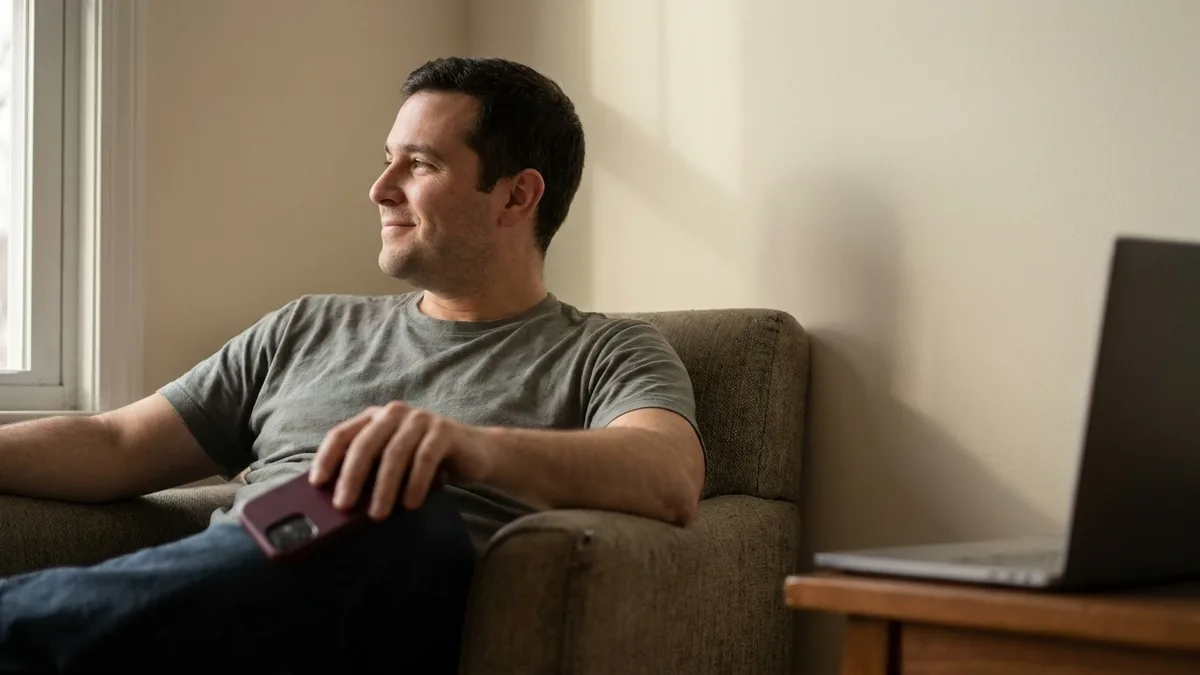
Is it just me? Mostly no. I paid $1,399 before tax for a 512GB Burgundy iPhone 18 Pro Max on AT&T at launch, and I have used it as my only phone for eight weeks.
The camera has a faint ring around it. The speakers crackle at high volume. A Home screen froze mid-widget drag. And the SOS bug has been confirmed for my exact model and carrier.
Apple ties the AT&T service loss to a free replacement. iOS 27.0.1 closed three other faults and left the crackle and the widget freeze open. So the question splits in three for your phone.
Read SOS in the status bar, check the version under Settings > General > About, and you can make the keep-or-replace call in under a minute.
Apple Confirmed the AT&T Bug — It's Not Just You
The dead signal on your Pro Max is a confirmed fault, not a dud unit you have to keep resetting.
Apple confirmed that a "small number" of iPhone 18 Pro Max devices on AT&T lost cellular service and could not make calls, according to TechRadar in October 2026.
The bug is narrow and specific. It is limited to the iPhone 18 Pro Max on AT&T in the US, and the iPhone 18 Pro is not affected at all. So the owner of a Pro with no bars is looking at something else entirely.
My unit is the exact combination on that list. I bought the 512GB Burgundy iPhone 18 Pro Max on AT&T for $1,399 before tax at launch, and it went eight weeks as my only phone before the line dropped in front of me.
Not every fault splits this way. The speaker crackle and the widget freeze hit both models, so "is it just me?" has a different answer per glitch. The call loss has one clear answer, and it starts with the status bar.
| Glitch | Who it hits | Fixed in iOS 27.0.1? | What to do next |
|---|---|---|---|
| SOS bar and no AT&T service | iPhone 18 Pro Max on AT&T in the US | No — update prevents it, does not cure it | Free replacement from Apple Support, AT&T, an Apple Store or an AT&T branch |
| Speaker crackle and pop | iPhone 18 Pro and Pro Max | No | Record it on video at high volume, then ask about a swap |
| Home screen freeze when dragging a widget across pages | iPhone 18 Pro | No | Place widgets where they belong instead of dragging across pages |
| Restart after a failed Face ID scan | iPhone 18 Pro and Pro Max | Yes | Update and keep the phone |
| Color artifact in 2x zoom photos at f/1.48 | A small number of iPhone 18 Pro and Pro Max units | Yes | Update and keep the phone |
| Screen freezes when Notification Center and Control Center open together | iPhone 18 Pro and Pro Max | Yes | Update and keep the phone |
SOS in the Status Bar Means No Calls
The status bar reads SOS, and AT&T calls, texts and data all stop at once.
The phone still holds a Wi-Fi connection, so it works like a small tablet and not like a phone.
Messages arrive, pages load, and no call goes out or comes in.
I got that wrong at first. My line dropped on a Tuesday morning, and I toggled Airplane Mode on and off, then reset the phone, then checked the status bar last. None of it brought the bars back, because none of it was the problem.
If the bars stay gone after one toggle, treat it as the confirmed AT&T bug rather than a dead spot in the building. Stop cycling Airplane Mode and stop resetting. A reset costs you an hour of setup and tells you nothing new.
One glance at the status bar sorts the reader onto the right path. SOS with no Wi-Fi calls means the line is gone and no further fiddling will fix it.
Normal bars with a dropped call in one spot means you found a weak signal and can carry on.
The Cure Is a Free Replacement, Not an Update
The next update will not bring your service back. Apple's statement to 9to5Mac is plain on this: iOS 27.0.1 plus a carrier settings update prevents the loss of service, but it will not repair a phone that has already lost it.
The fix for an affected phone is a free replacement. Apple Support, AT&T, an Apple Store or an AT&T branch can hand you a working unit in its place, because the software route is closed to a line that already dropped.
The carrier settings update is the preventive half. It should install on its own within 14 days, and you can trigger it now in Settings > General > About. I did that the same day I read the statement.
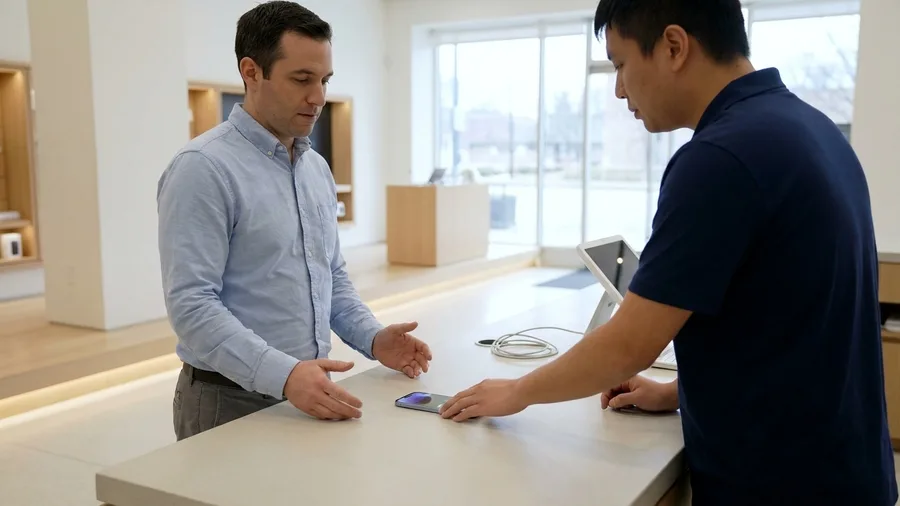
I carried my phone into an Apple Store and then an AT&T branch to ask about the SOS bug on my exact model and carrier.
Both conversations went faster once I led with the two details that matter. Trigger the carrier settings update now, before your line ever drops, so you never need the replacement line at all.
📶 The two-minute carrier settings check
Open Settings
Tap the gear icon on your Home screen.
Tap General
It sits below Wi-Fi and Bluetooth in the list.
Tap About
This screen shows your iOS version and carrier version.
Wait a minute
Leave the screen open so the carrier settings update can install.
Confirm the version
Check that iOS 27.0.1 is listed and the carrier version has changed.
Speaker Crackle Outlasts the Update and Some Replacements
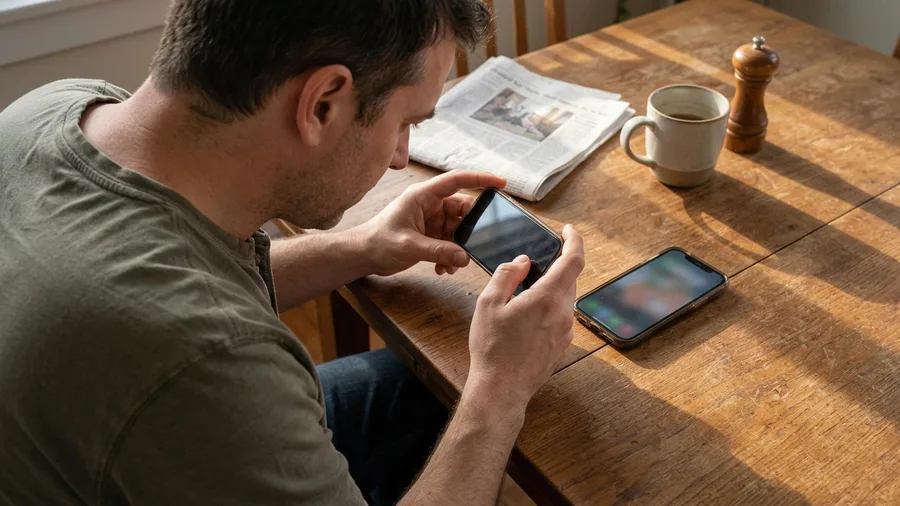
A swapped phone may crackle exactly as loudly as the one you sent back. iOS 27.0.1 never touched the popping, and in September 2026, according to ShiftDelete.Net, a share of owners who went through a replacement got a second unit that rasped the same way.
Mine keeps a written log. It breaks up above about 80 percent volume, worst on speaker calls and on podcast playback with a lot of bass.
Quiet, it is clean. Push it, and the top end of the sound frays for a second or two, then settles.
Before I ask anyone for a swap, I record it. I turn the volume all the way up, play a bass-heavy track, and film the rear of the phone for 30 seconds with the sound captured.
I do it twice, and I take down the case number from that first conversation.
That clip and that number are what keep a swap from turning into a loop. They give a second swap or a refund conversation something to stand on. Without them, you are describing a noise; with them, someone can hear it.
Replacing the phone is the right move for a dead line. For crackle it is a coin flip, so a small document is worth more than a trip to the store.
⚠️ COMMON MISTAKE
Don't accept the same defect twice
If a replacement phone crackles the same way as the one you sent back, you are allowed to say so. Ask for a different unit, a different model or a refund rather than a third identical swap. Bring the recording.
The Widget Freeze Is Still There After Updating
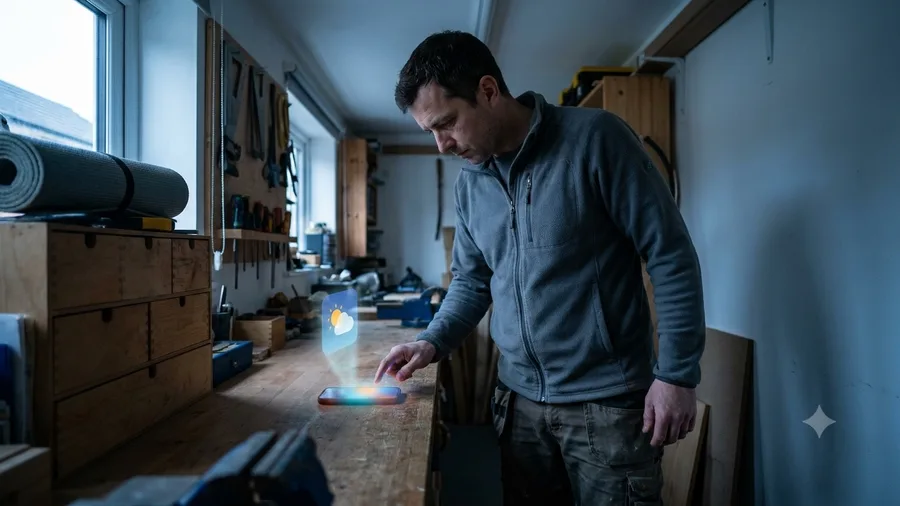
The Home screen freeze appears tied to one move: dragging a widget to another page and dropping it over something already there.
That is the trigger a freeze needs, not a random hang, per GizChina.it. Tests after installing iOS 27.0.1 showed the freeze still present, so no update has closed it yet.
I hit it mid-drag on a Tuesday morning and lost about twenty minutes to a screen that would not answer a swipe.
The widget landed, the page stopped, and a hard restart was the only way out. Nothing in that sequence involved the speaker or the cellular line, which is why I filed it separately.
The workaround is to stop dragging across pages. Place widgets on the page where you want them, from the page itself, until a later update lands. It costs a few extra taps and it removes the drop that starts the freeze.
That is the trade for now: the fault is open, so the fix is the habit. Place widgets in place and you stop losing a morning to a screen that will not move.
Three of Your Glitches Ended With iOS 27.0.1
If your version reads iOS 27.0.1 under Settings > General > About, then three faults you may have blamed on your unit were software.
The update arrived about two weeks after iOS 27 and closed each of them, so the phone in your hand was never the problem.
The first is the unexpected restart after a Face ID attempt fails. Mine rebooted twice in my first month, both times when I tilted the phone toward my face in low light.
The second is the color smear in 2x zoom, which turned up at f/1.48 in certain light on a small number of Pro and Pro Max units. My test shot of a white wall came back with a purple edge at that focal length.
The third is a screen that stops responding when Notification Center and Control Center open together. I hit it once while pulling down for brightness during a call, and nothing registered until I locked the phone.
Open that About screen for 20 seconds. If it shows 27.0.1, all three are behind you and the hardware is fine. If it shows iOS 27, the fix is one update away. Either way, three of your glitches were never hardware at all.
iPhone 18 Pro Max — At a Glance
📱 Model tested
iPhone 18 Pro Max, 512GB, Burgundy
💰 Price paid
$1,399 before tax
📡 Carrier
AT&T in the US
⏱️ Days used
Eight weeks as the only phone
🔋 Rated video playback
Up to 45 hours
📦 Update installed
iOS 27.0.1
Affected combination
The SOS bug only hits the iPhone 18 Pro Max on AT&T in the US; the iPhone 18 Pro is not affected.
Heat and Camera-Ring Reports Are Not a Verdict
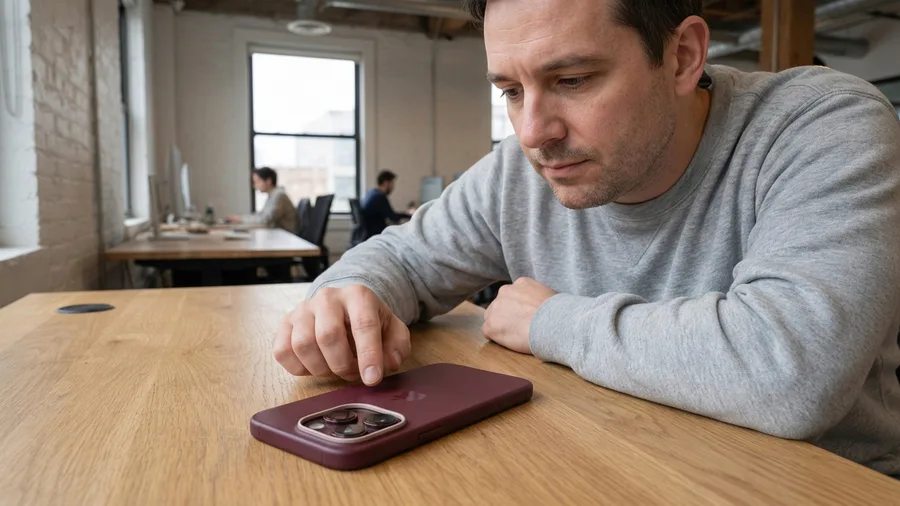
Hot is not the same as broken. On October 16, 2026, owners of both Pro models were posting about a back that felt too warm, a battery that fell faster than they expected, and a pale ring around the camera on Burgundy and Black units.
Reviews of the same phone praised its battery life, speed and an unusually good camera step-up.
My back was warm through the first week, while the phone was still setting itself up. The ring came later, faint, around week eight, best seen on the Burgundy finish in daylight.
Neither has gotten worse since. I have no drain to report, because my battery still ends a normal day well above empty.
None of that is a verdict for your phone. Note when the heat starts, what you were running, and whether it fades after ten minutes. If it survives the update and keeps coming back, take that note, with times and apps, to Apple Support.
The Pro Max Uses a Different Modem Than the Pro
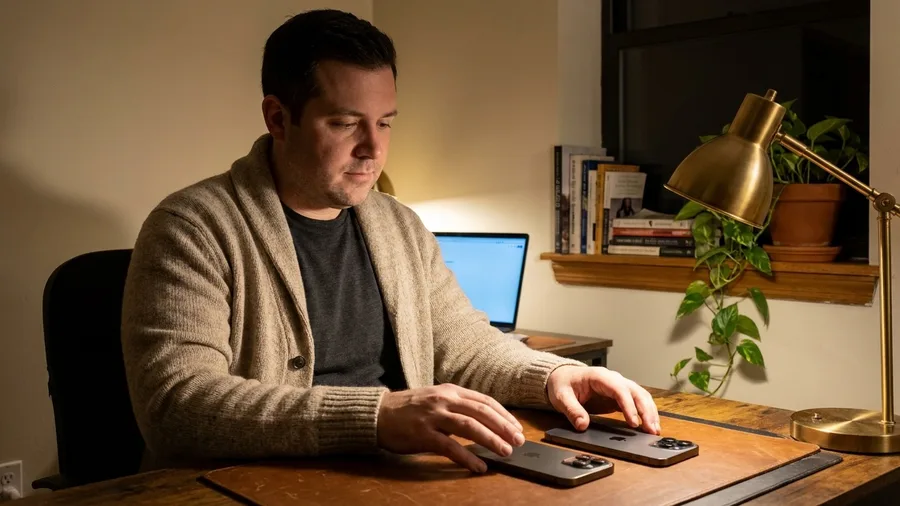
Under the glass, the two phones do not talk to cell towers the same way. This year's Pro Max is the only new iPhone built with a Qualcomm modem, and the Pro runs Apple's own C2 chip instead, per MacRumors as cited by Lifehacker.
That is the same Pro Max-only split as the AT&T service bug.
It is a clue, not a cause. Apple has not said the modem is behind the dropped lines, and one shared part on one model proves nothing on its own.
The heat and the camera ring sit in the same place: still open, still worth watching.
What it does change is the phone call. Lead with your model and your carrier, because that pair is what gets replaced. I had both ready when I walked into the Apple Store and the AT&T branch, and the conversation started at the right place.
Swap it or keep it
Ask for the free replacement
- Status bar shows SOS and AT&T service is gone
- The carrier settings update did not bring the bars back
- You rely on calls and texts for work or family
Keep the phone and wait
- Crackle only at very high volume and you have recorded it
- The restart, 2x color or screen freeze already stopped after iOS 27.0.1
- You are inside your return window and still deciding
Keep or Return Depends on Which Glitch You Got
The keep-or-return call follows the same model-and-carrier logic, applied to the one glitch on your phone. It splits three ways, and each has a different answer.
A dead line with SOS in the status bar means take the free replacement. It exists, and no one should keep paying for a phone that cannot call.
Crackle is a judgement call. Replacements have shipped with the same defect, so weigh a swap against the return window. That window lives on your own carrier or retailer account page, not in Apple's statement.
Returning costs you something. The Pro Max is rated up to 45 hours of video playback against up to 36 on the Pro, and reviews praised its battery and camera.
Quick rule: SOS means replace today. Crackle means check the window first. Face ID restart, the 2x color artifact or the Control Center freeze mean update and keep the phone.
What to Do in the Next Hour, in Order

The rule of thumb only counts once you run it, so start with the version, not the complaint.
Open Settings > General > About and read the line for iOS 27.0.1. That same screen carries the carrier settings update, which also lands on its own within 14 days.
That whole check is two minutes, and it comes before anything else you do with the phone.
Mine was already on 27.0.1 by week two, so the version line read clean while my crackle and widget freeze stayed put.
Fixed and unfixed can sit on one screen.
Then keep a short running note of every glitch that survives, with what sets it off: a widget dragged toward another page, volume pushed high, a 2x zoom shot at f/1.48. Support asked me for the trigger before the symptom every time.
If those bars show SOS and stay there, do not wait on software to cure it. That phone needs a free replacement, and the request goes to Apple Support, AT&T, an Apple Store or an AT&T branch.
The words Apple Support will use
Frequently Asked Questions
Is the iPhone 18 Pro Max glitching on every carrier?
No. The SOS bug is limited to iPhone 18 Pro Max phones on AT&T in the US. The iPhone 18 Pro is not affected. The crackle and widget freeze are separate issues that hit both models.
Will restoring my phone fix the SOS bug?
No. Apple's statement to 9to5Mac says iOS 27.0.1 plus a carrier settings update prevents the loss of service but will not fix a phone that already has it. The cure is a free replacement.
Where do I get the free replacement?
Apple Support, AT&T, an Apple Store or an AT&T branch can arrange it. Bring the phone and know your exact model and carrier before you go.
Does iOS 27.0.1 fix the speaker crackle?
No. The speaker crackling and popping problem was not fixed by iOS 27.0.1, and some owners reported replacement units with the same defect. Record the crackle before asking for a swap.
How do I trigger the carrier settings update?
Open Settings, tap General, tap About, and leave the screen open for about a minute. The update should also install automatically within 14 days.
Is the iPhone 18 Pro Max a bad phone?
Reviews praised its battery life, performance and camera, and Apple rates it at up to 45 hours of video playback. The glitches are real, but most were fixed in software or apply to one carrier combination.
Replace the phone that can't call, keep the one the update fixed
SOS with no service means take the free replacement today instead of waiting on software. Crackle means weigh a swap against your own return window, because replacements have shipped with the same defect.
The Face ID restart, the 2x color artifact and the Control/Notification Center freeze mean update and keep the phone. Those three are already handled if iOS 27.0.1 is on your device.
Before anything else, open Settings, then General, then About and trigger the carrier settings update. It takes two minutes and it is the step that keeps the SOS bug from ever landing.